

School · Tablet learning
A tablet at every desk, instant feedback in every lesson.
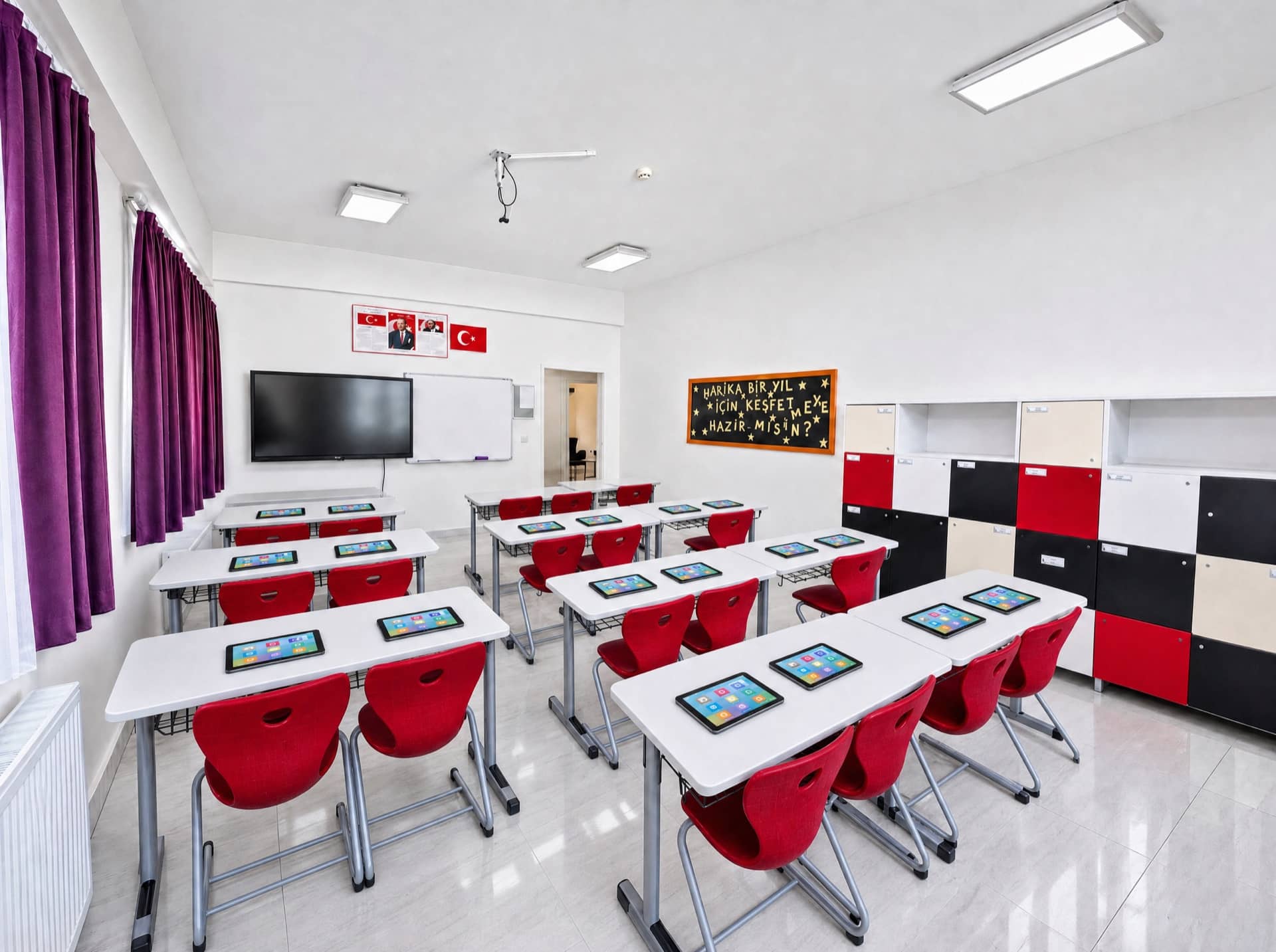
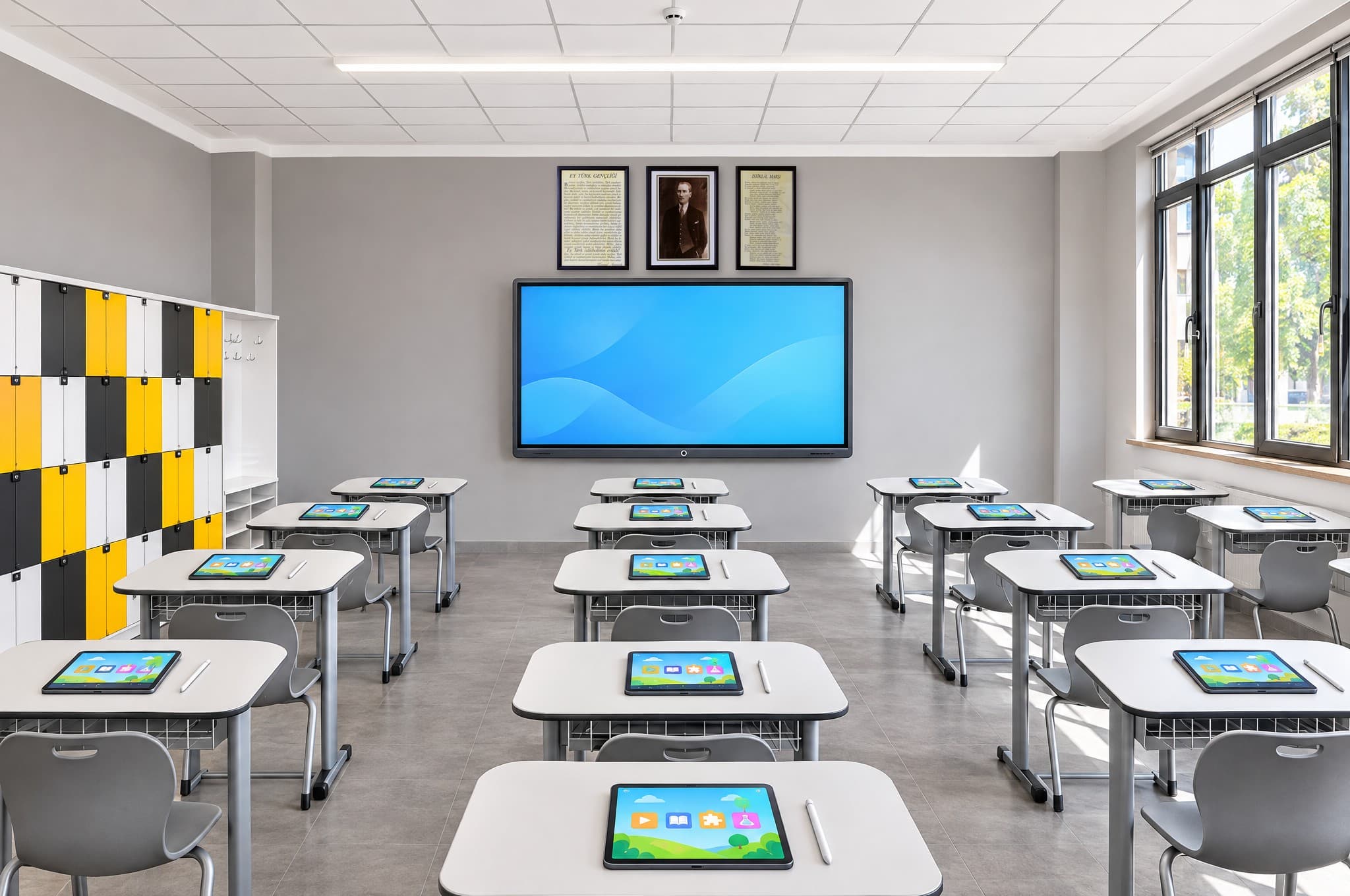
In lessons our students work on tablets managed by the school. A student who solves a question sees the result straight away, the teacher follows the class live, and parents track progress in the portal. The tablet does not replace books and exercise books; it works alongside them to speed up learning.
Why
Learning without waiting
A student who sees a mistake that very minute, not weeks later on the report card.
In a traditional classroom a student does an exercise, the teacher collects the exercise books, and the corrections come back a few days later. In the meantime a rule learned wrongly becomes fixed. In a tablet lesson the student sees whether the answer is right or wrong the moment it is given and, if it is wrong, tries again with a short hint.
The teacher, meanwhile, sees the whole class on one screen: who has understood the topic and who is stuck. The teacher goes over to the three students who are stuck that very minute; those who have understood move on to harder questions. So in the same classroom every child works at their own level.
A lesson
How a tablet lesson works
Explanation, practice, feedback, revision.
The teacher explains
The topic is taught on the board and through discussion with the class; tablets are closed.
The student tries
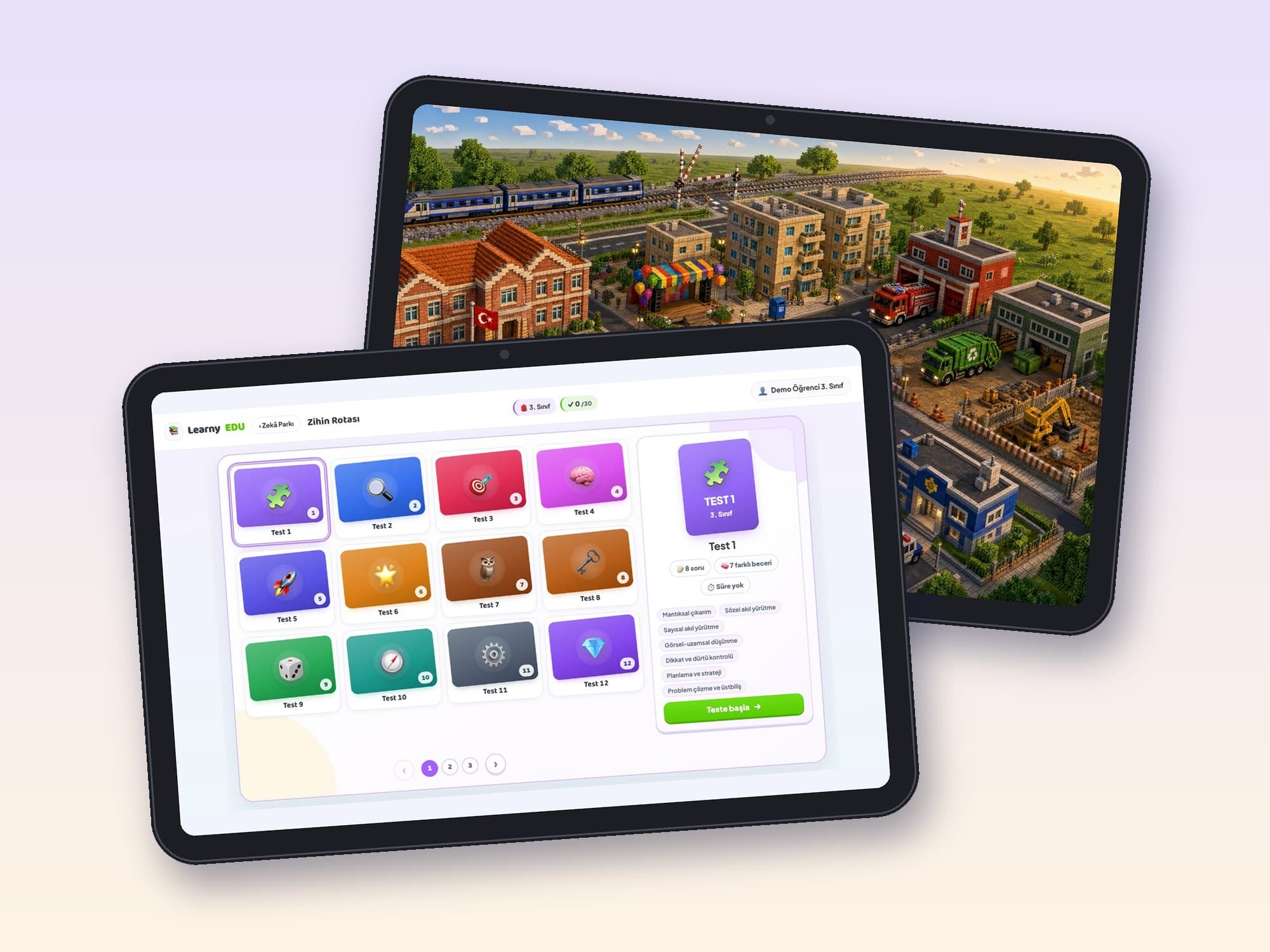
Interactive exercises on the topic open on the tablet.
Instant result
Each answer is followed by right or wrong and a short explanation.
The teacher guides
One-to-one support for students the class overview shows are stuck.
A lasting record
Results go to the parent portal through homework and the weekly report.
Safety
A safe device, balanced screen time
Tablets are managed by the school; use outside lessons is switched off.

Tablets are set up through mobile device management (MDM). Only lesson apps are available; social media, games and the app store are blocked, and internet access passes through a content filter. When the lesson ends, the tablet is locked for use outside lessons.
We limit screen time deliberately. A lesson is never spent entirely on the tablet; explanation, pen-and-paper work and class discussion keep their place. In the younger school levels tablet use is shorter, and there are no tablets in kindergarten.
Central management
Apps, updates and restrictions are handled by the school.
Content filter
Content unsuitable for the age group and advertising are blocked.
Tied to lesson time
Use outside lessons is switched off outside lesson time and in the evenings.
Balanced time
The tablet sits alongside paper and pen, not in place of them.
School levels
By school level
Tablet use increases with age.
Kindergarten
No tablets; screen-free coding and hands-on materials.
Primary school
Short, teacher-led practice and reading apps.
Middle school
LGS-style questions, topic reviews and instant assessment.
High school
YKS preparation, research and project work.
For parents
Visible from home

Every exercise on the tablet is visible in the parent portal: which topic was studied on which day, how many questions were answered correctly, which topic needs revisiting. The weekly analysis report is also prepared from this data.
You do not have to guess what your child is doing in front of the screen; you see what they did at school, how much and with what result.
Homework tracking
Homework set and homework completed.
Topic progress
Percentage of correct answers by subject and topic.
Weekly report
Practice exam analysis and supervised study plan.
Sample report →
Questions
Frequently asked questions
Do we buy the tablet?
How tablets are provided and what they cost is set out in writing at the admissions meeting, according to school level; the tablet is enrolled in the school’s device management.
Does the tablet come home?
It depends on the practice of the school level and campus; when it does come home, the school’s settings and restrictions still apply.
Will my child become addicted to screens?
The tablet is used only with lesson apps and for a limited time; games and social media are blocked. Tablets are not used in kindergarten.
What happens if the tablet breaks?
The school’s technical team examines the device; there is a spare-device arrangement so that no lesson time is lost.
Next step
Sit in on a tablet lesson
On a campus visit, let us show you in person how a lesson runs on the tablet and what the teacher’s screen looks like.
- Yeni Nesil CampusKeçiören · PursaklarOpen in Maps
- Çankaya CampusÇankayaOpen in Maps
- Hüseyingazi CampusHüseyingazi · MamakOpen in Maps